
Start investing with WorldTrader in 3 simple steps
Getting started with HSBC WorldTrader is easy. Once you've got a current account with us, just set up your investment account and download the WorldTrader app.

Open a current account
If you don't have one of our current accounts yet, you'll need to get one first.

Open your investment account
Next, it's time to open an investment account in the HSBC UAE app.

Download the WorldTrader app
Finally, download the WorldTrader app and get ready to start investing.
1. Open a current account
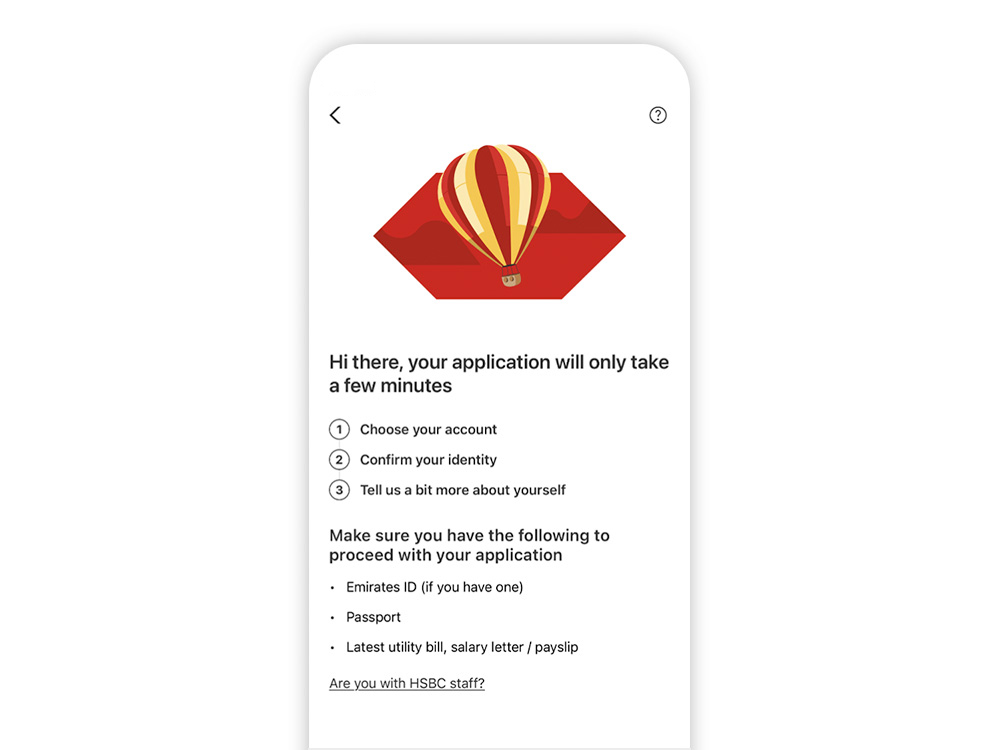
Before getting started with WorldTrader, you’ll need to have a one of our current accounts. Find an account and open it in just 10 minutes with the HSBC UAE app.
Please note: in-app account opening is only available in English. If you need help in Arabic or want someone with you when opening your account, please visit a branch with a trusted relative, friend or adviser.
2. Open your investment account
Once you've opened your current account, it's time to set up an investment account in the HSBC UAE app. It only takes a few taps.


3. Get the WorldTrader app
Finally, just download the HSBC UAE WorldTrader app. Then you're ready to start investing for your future.


Frequently asked questions
Find out more about HSBC WorldTrader
Choose from a wide range of investment options and manage them all in the HSBC WorldTrader app. Invest in up to 25 markets with transaction fees as low as 0.01 USD per share.
Additional information
All submitted orders will be transmitted to Interactive Brokers (U.K.) Limited, acting in their capacity as your broker. All holdings within your Investment Account will be held by Interactive Brokers (U.K.) Limited, acting in their capacity as custodian.